Claim your free copy of the book CRM Shouldn’t Suck
Claim your free copy of the book CRM Shouldn’t Suck

Microsoft Power Platform vs. Dynamics 365: What’s the Difference?
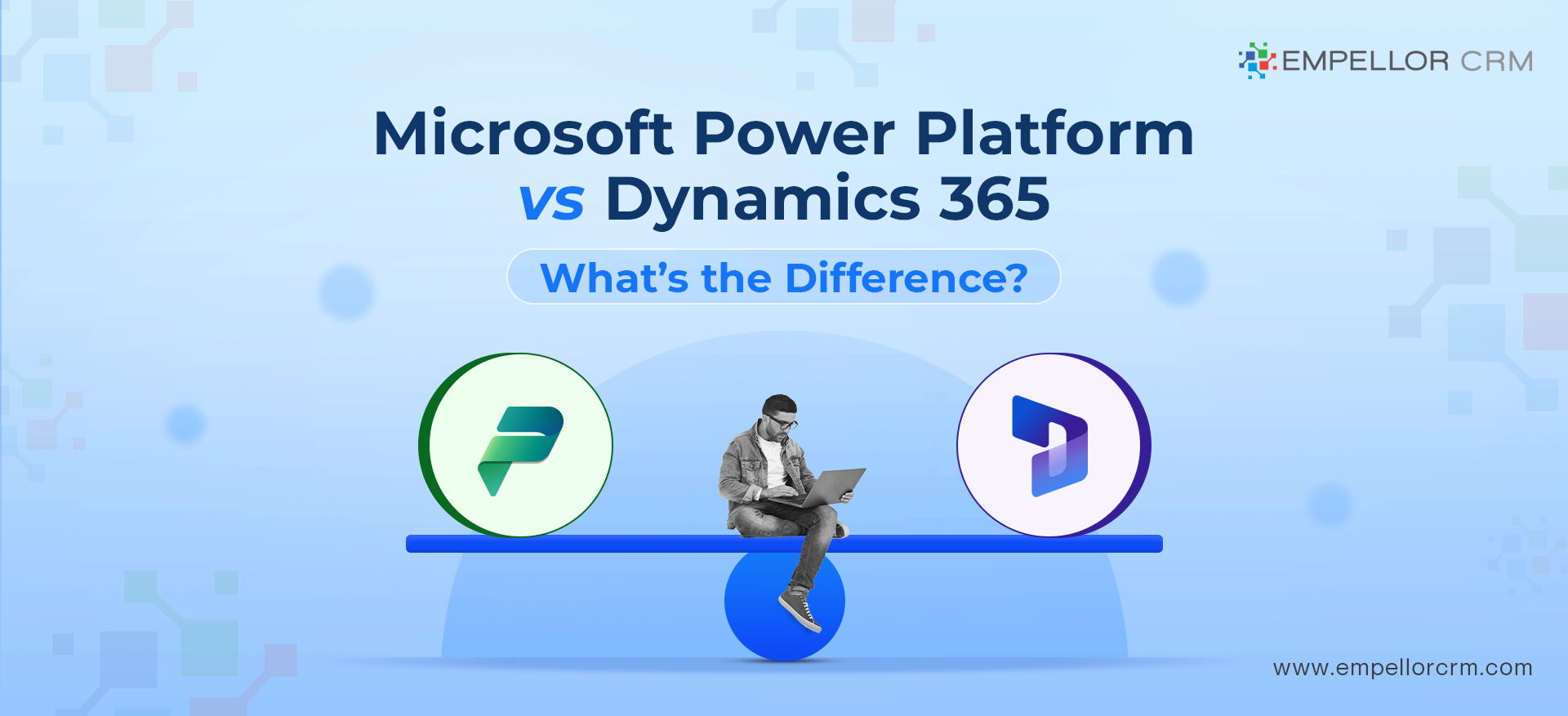
Microsoft Dynamics 365 is a suite of CRM and ERP applications used to manage core business processes like sales, customer service, finance, and field service. Microsoft Power Platform is a low-code platform used to build custom apps, automate workflows, and analyze data—often extending Dynamics 365.
Most organizations use Dynamics 365 as the system of record and Power Platform to customize, automate, and integrate it.
This comparison helps organizations understand when to use Microsoft Power Platform, when to use Dynamics 365, and how the two platforms work together in real-world implementations.
When to Use Power Platform vs Dynamics 365
Use Dynamics 365 if you need structured CRM or ERP functionality such as sales, customer service, finance, or field service.
Use Power Platform if you need custom applications, workflow automation, integrations, or advanced reporting.
In most real-world scenarios, organizations use both together.
Power Platform vs Dynamics 365 — Key Differences at a Glance
The table below summarizes the key differences between Microsoft Power Platform and Dynamics 365 at a high level.
| Feature | Microsoft Power Platform | Microsoft Dynamics 365 |
|---|---|---|
| Primary purpose | Build custom apps, automate workflows, and analyze data | Run core CRM and ERP business processes |
| Who typically uses it | Citizen developers, business users, IT teams | Sales, customer service, finance, operations teams |
| Core products / apps | Power Apps, Power Automate, Power BI, Power Virtual Agents, Dataverse | Sales, Customer Service, Field Service, Finance, Supply Chain, Customer Insights |
| Typical use cases | Custom applications, automation, integrations, dashboards | CRM, ERP, customer service, sales and operations management |
| Data & storage | Dataverse or connected external data sources | Dataverse as the core CRM data model |
| Integration approach | Hundreds of connectors across Microsoft and third-party systems | Native integration with Power Platform and Microsoft 365 |
| Licensing model (high-level) | Per app, per user, or usage-based licensing | Per user, per application/module licensing |
| Implementation effort | Quick to start; governance needed at scale | Structured enterprise implementation |
| Best for | Flexibility, customization, automation | Structured, enterprise-grade CRM and ERP |
What is Microsoft Power Platform
Before diving into the differences, let’s first define what the Microsoft Power Platform is. The Power Platform is a suite of applications that allow businesses to analyze data, automate processes, create custom apps, and build intelligent chatbots. It comprises four main components:
- Power BI: A tool for business intelligence and data visualization.
- Power Apps: A low-code platform for building custom applications.
- Power Automate: A service that automates workflows across applications and services.
- Power Virtual Agents: A tool for creating AI-powered chatbots.
The Power Platform is designed to empower users with varying levels of technical expertise to build solutions that drive business efficiency and innovation.
What is Microsoft Dynamics 365
Microsoft Dynamics 365 is a suite of enterprise resource planning (ERP) and customer relationship management (CRM) applications designed to manage core business processes across sales, customer service, finance, marketing, and operations.
Dynamics 365 includes modular applications that organizations can deploy individually or together, depending on their business needs. Key Dynamics 365 applications include:
- Sales: Tools to manage customer relationships, track opportunities, and improve sales performance.
- Customer Service: Solutions for case management, omnichannel support, and customer engagement.
- Finance and Operations: Applications to manage financial operations, supply chains, and enterprise processes.
- Marketing: Tools to plan campaigns, manage leads, and measure marketing performance.
- Field Service: Solutions to schedule resources, manage work orders, and optimize on-site service delivery.
Microsoft Dynamics 365 is designed for organizations that require a structured, scalable system to manage complex business operations across departments and regions.
Key Differences Between Microsoft Power Platform vs. Dynamics 365
Now that we have a basic understanding of each platform, let’s explore the key differences between Microsoft Power Platform vs. Dynamics 365.
Core Purpose and Focus
The most significant difference between Microsoft Power Platform vs. Dynamics 365 lies in their core purpose and focus. The Power Platform is primarily a set of tools designed to enable users to create custom solutions, automate tasks, and analyze data. It’s about empowering every user in the organization, regardless of their technical expertise, to contribute to business innovation.
In contrast, Dynamics 365 is a comprehensive suite of applications that address specific business functions such as sales, customer service, finance, and operations. It’s designed for businesses that need an integrated system to manage their end-to-end operations.
Customization and Flexibility
When comparing Microsoft Power Platform vs. Dynamics 365, customization is a key factor. The Power Platform excels in this area, offering unparalleled flexibility. With Power Apps, for example, users can create custom applications tailored to their specific business needs without extensive coding knowledge. Power Automate allows users to automate workflows across a variety of applications, and Power BI enables the creation of custom dashboards and reports.
Dynamics 365, while customizable, is more structured around predefined business processes. It’s designed to meet the needs of various industries, but customization typically requires more technical expertise and often involves using Power Platform tools to extend its capabilities.
Integration Capabilities
Another important difference between Microsoft Power Platform vs. Dynamics 365 is their integration capabilities. The Power Platform is built to work seamlessly with a wide range of Microsoft and third-party applications. For example, Power BI can pull data from various sources, Power Apps can connect to numerous data sources, and Power Automate can integrate workflows across multiple services.
Dynamics 365 is inherently integrated with the Power Platform, allowing businesses to extend the functionality of Dynamics 365 applications with Power Apps, automate processes with Power Automate, and gain deeper insights with Power BI. This seamless integration makes Dynamics 365 even more powerful, as it can leverage the capabilities of the Power Platform to create a more tailored solution.
Target Audience
When considering Microsoft Power Platform vs. Dynamics 365, the target audience for each platform is also a distinguishing factor. The Power Platform is aimed at a broad range of users within an organization, including non-technical users who want to create custom solutions, automate tasks, or gain insights from data. It’s about empowering every user to innovate.
Dynamics 365, however, is primarily targeted at businesses that need a comprehensive ERP or CRM system to manage their operations. It’s ideal for larger organizations or those with complex business processes that require an integrated suite of applications.
Application Development
When it comes to application development, the comparison of Microsoft Power Platform vs. Dynamics 365 reveals that the Power Platform is the go-to choice for custom app creation. Power Apps, in particular, allows users to build custom apps quickly and with minimal coding, making it an excellent choice for businesses that need unique solutions.
Dynamics 365, while not an app development platform in itself, benefits from Power Platform tools. Organizations often use Power Apps to extend Dynamics 365 applications, creating custom solutions that address specific business needs.
Cost Considerations
While this comparison of Microsoft Power Platform vs. Dynamics 365 doesn’t delve into specific pricing, it’s important to note that the cost structures differ significantly between the two platforms. The Power Platform typically involves costs related to the specific tools you use (e.g., Power BI, Power Apps, etc.), and is often seen as a more cost-effective solution for businesses looking to create custom apps or automate processes.
Dynamics 365, being a comprehensive suite of enterprise applications, generally involves a more significant investment, reflecting its broader scope and capabilities. However, the integration with Power Platform tools can enhance the value of a Dynamics 365 investment by enabling further customization and automation.
Complementary Use of Microsoft Power Platform and Dynamics 365
It’s also important to understand that Microsoft Power Platform vs. Dynamics 365 is not necessarily an either/or decision. These platforms are designed to complement each other. For instance, a business using Dynamics 365 for its core operations can leverage Power Apps to create custom applications that address specific needs within their Dynamics 365 environment. Power Automate can be used to automate repetitive tasks within Dynamics 365, and Power BI can provide advanced analytics on the data stored within Dynamics 365 applications.
In real-world implementations, organizations typically use Dynamics 365 to manage structured business processes while leveraging Power Platform to automate workflows, integrate systems, and build custom applications.
This synergy between the two platforms allows businesses to create a more tailored and efficient solution, maximizing the value of both the Power Platform and Dynamics 365.
Conclusion
In summary, the comparison of Microsoft Power Platform vs. Dynamics 365 highlights two powerful and complementary solutions that serve different, yet overlapping, purposes. The Power Platform is ideal for businesses looking to empower their users to innovate, create custom applications, automate processes, and analyze data with ease. Dynamics 365, on the other hand, is a comprehensive suite of ERP and CRM applications designed for businesses that need to manage complex operations across various functions.
By understanding the strengths of each platform and how they can work together, businesses can choose the right tools to meet their unique needs, driving efficiency, innovation, and growth. Whether you’re looking to streamline operations with Dynamics 365 or empower your team with the Power Platform, Microsoft offers the tools to help you achieve your business goals.
Frequently Asked Questions (FAQs)
Is Dynamics 365 part of Power Platform?
No. Dynamics 365 and Power Platform are separate products, but they share Dataverse and are tightly integrated.
Do I need Power Platform if I already use Dynamics 365?
Many organizations use Power Platform to extend Dynamics 365 with automation, custom apps, and reporting.
Is Power Platform included with Dynamics 365 licensing?
Some capabilities are included, but advanced Power Platform features require separate licensing.